CPT data alongside your borings, not in a separate tool
Import CPT soundings, run correlations against boring and lab data, and report on all of it from the same database your logs already live in.
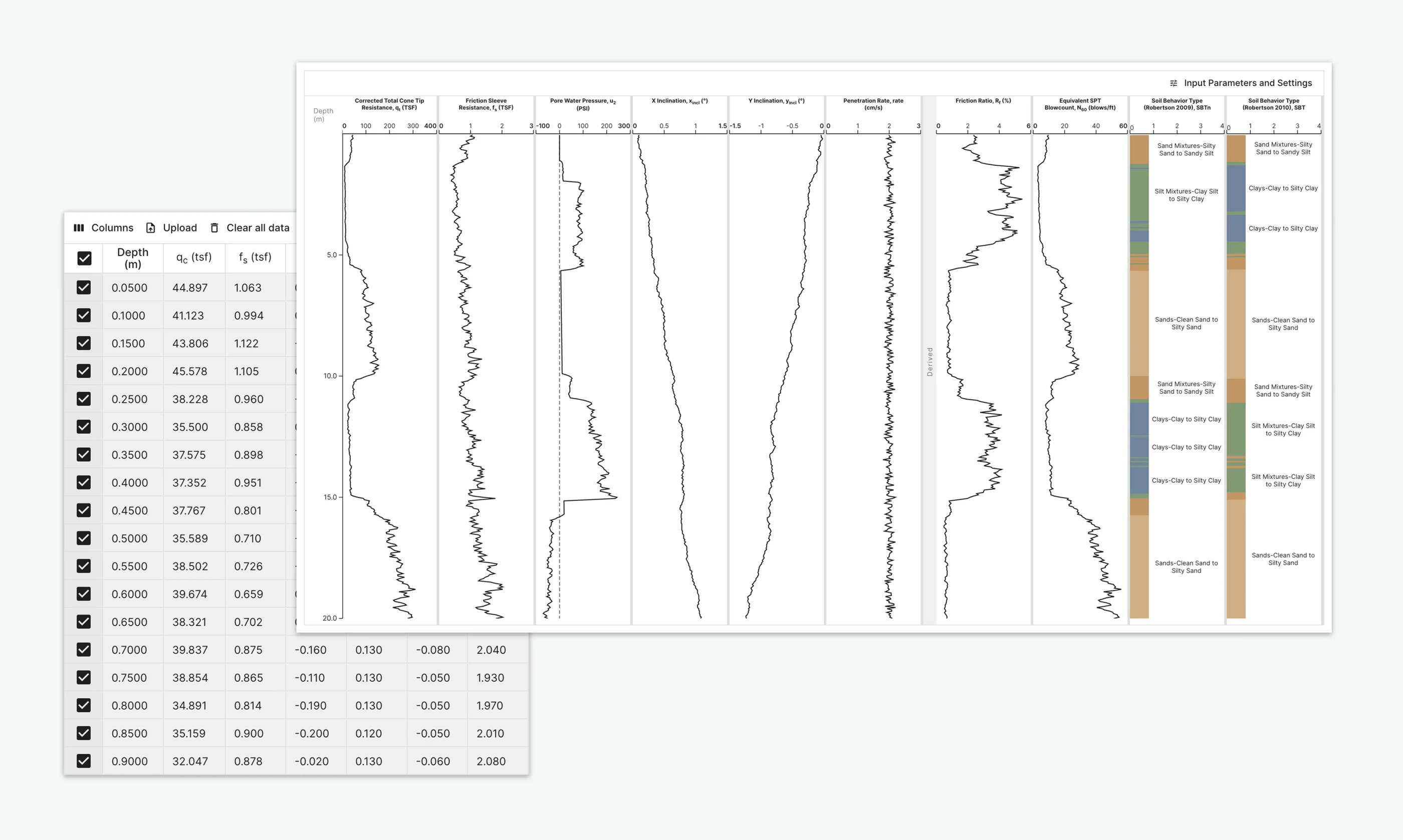
One dataset, not two
CPT data often ends up in its own spreadsheet or specialty software, disconnected from the boring logs and lab results for the same site.
BoreDM imports CPT soundings directly into the same project database as everything else, so correlating a sounding against a nearby boring is a query, not a manual comparison across tools.
What you can do with CPT data
Direct import
Bring in CPT soundings alongside your existing boring and lab data.
Correlations
Correlate CPT results against nearby borings and lab testing in the same project.
Reporting
Generate report-ready output for CPT data alongside the rest of the site's subsurface data.
3D visualization
CPT soundings plot into the same 3D site models as boring and lab data. Included in Logs Pro.
Suggested for you
See CPT data next to your borings
Book a walkthrough with our team. After the demo we will set up a trial environment loaded with your project data.